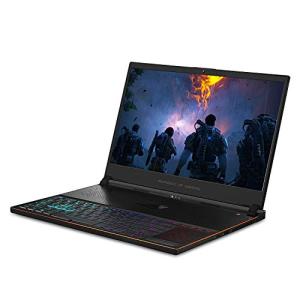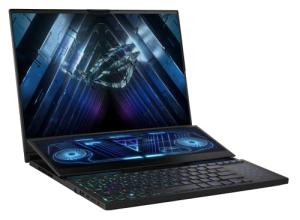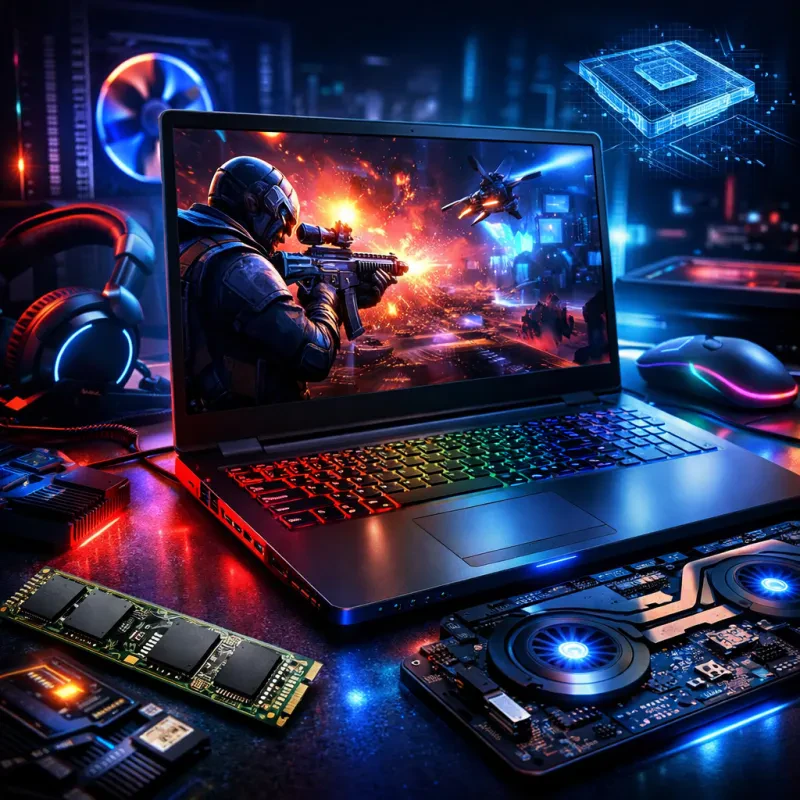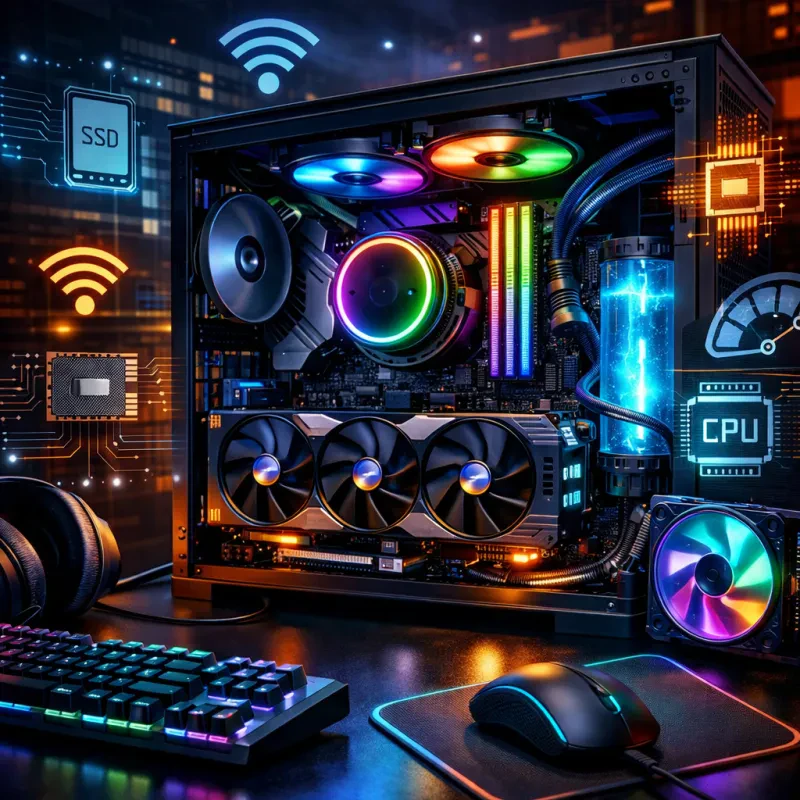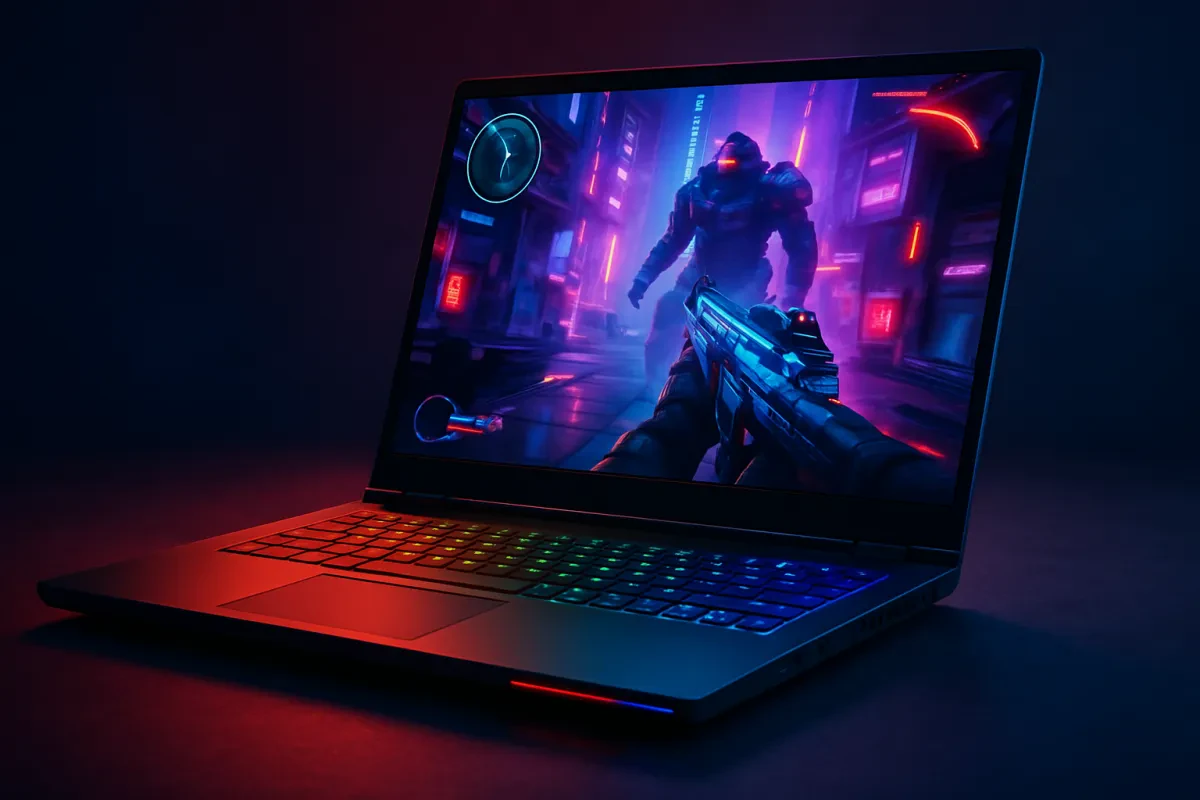
When you're diving into the world of gaming, having the right laptop can make all the difference. This Gaming Laptop Buyers Guide will help you nail down the essential features to look out for. Let’s break it down into the must-have specs that every gamer needs.
First up, let’s talk about the graphics. A high-quality GPU is crucial for smooth gameplay and stunning visuals. Look for laptops with dedicated graphics cards, like NVIDIA GeForce RTX or AMD Radeon RX. They can handle the latest games without breaking a sweat. You’ll notice the difference in performance and enjoy those eye-popping graphics.
Next, you can’t ignore the processor. A strong CPU like Intel Core i7 or AMD Ryzen 7 will keep things running fast and efficient. This is especially important if you multitask or stream while gaming. The quicker and more powerful your CPU, the better your gaming experience.
Don’t forget about RAM! Aim for at least 16GB. This helps your laptop juggle multiple tasks without slowing down. If you plan to play demanding games or run heavy applications, consider bumping it up to 32GB. Trust me, your future self will thank you when you can run everything smoothly.
Lastly, check the display quality. You’ll want a laptop with at least a Full HD (1920 x 1080) resolution. Consider options with 144Hz refresh rates for buttery smooth gameplay. A good display not only enhances your gaming experience but also reduces eye strain during those long gaming sessions. Keep these features in mind, and you’ll be well on your way to finding the perfect gaming laptop!
Choosing the Right Graphics Card for You
When you're diving into the world of gaming laptops, picking the right graphics card can feel like a daunting task. But don’t worry, it’s all about figuring out what you need. Think about the types of games you play and how detailed you want those graphics to be. If you're into the latest AAA titles, you'll want something capable of cranking out those beautiful visuals without a hitch.
First up, consider the performance you want. Look for cards that can handle high frame rates at your screen’s resolution. If you're gaming at 1080p, a mid-range card will do the trick. If you’ve got your sights set on 1440p or even 4K, grab a high-end graphics card. The names you'll see most often are NVIDIA’s RTX series and AMD’s RX series, both of which have strong options suited for gaming.
Don’t forget about the VRAM. Most modern games benefit from at least 4GB, but for future-proofing, consider getting a card with 6GB or more. More VRAM helps with running games smoothly, especially at higher settings or resolutions. Along with that, check out the cooling system of your potential laptop. A good cooling system means your laptop won't overheat during intense gaming sessions, which can negatively impact performance.
Another thing to think about is how much you're willing to spend. Graphics cards can vary in price quite a bit. Determine your budget early, so you can focus on laptops that meet both your specs and your wallet. This will help you make a solid decision when you're working through this Gaming Laptop Buyers Guide. Stick to your needs and you'll find a great gaming laptop that suits your style!

Acer Nitro 60 N60-640-UR11 Gaming Desktop | Intel Core i5-14400F 10-Core Processor | NVIDIA GeForce RTX 4060 | 16GB DDR5 | 1TB PCIe Gen 4 SSD | Wi-Fi 802.11ac | Gigabit Ethernet | Windows 11 Home
Product information
$1,244.49
Product Review Score
4.49 out of 5 stars
162 reviewsProduct links
Finding the Perfect Processor for Gaming
When you dive into the world of gaming, picking the right processor is super important. It’s like the heart of your laptop, pumping power to all your games. You want a processor that can handle intense graphics and multitasking without breaking a sweat. So, what should you look for? Let’s break it down.
Look for a laptop with a modern multi-core processor. Ideally, you want to aim for at least a quad-core CPU. Brands like Intel and AMD have some solid options. Intel’s i5 or i7 and AMD’s Ryzen 5 or Ryzen 7 are great choices for gaming. They give you the speed and performance needed for a smooth gaming experience.
Don’t forget about clock speed! A higher clock speed means better performance in fast-paced games. You should aim for a processor with a base clock speed of at least 2.5 GHz. This ensures that your laptop can keep up with the action, especially during those heated gaming moments.
Another key factor is thermal performance. Gaming gets hot, and you don’t want your laptop to throttle down because it’s overheating. Check for good cooling solutions in the laptop’s design. If the laptop can keep its cool, you'll enjoy longer gaming sessions without any lag.
This gaming laptop buyers guide can help you make the right choice. Take your time, compare different models, and make sure to pick a processor that fits your gaming style and needs. Happy gaming!
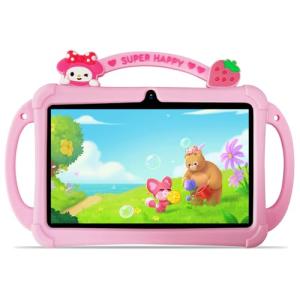
PRITOM 7 Inch Kids Tablets, WiFi Tablets for Kids, 4GB RAM, 32GB ROM,512GB Expand, Toddler Tablet, Parental Control,Android 13, BT, Dual Camera, Kids Software for Educating, Gaming Child Tablet(Pink)
Product information
$53.61
Product Review Score
4.19 out of 5 stars
147 reviewsProduct links
Essential Accessories for a Great Experience
When you're diving into gaming, you want more than just a great laptop. The right accessories can really enhance your experience. Here’s what you might want to consider to boost your gameplay.
1. Gaming Mouse: A good gaming mouse can make a world of difference. Look for one with customizable buttons and a comfortable grip. You’ll find options with adjustable DPI settings, which let you change the sensitivity on the fly. This is super handy for different types of games, whether you’re sniping from a distance or engaged in close combat.
2. Headset: Sound plays a huge role in gaming. A quality headset helps you hear everything, from footsteps sneaking up behind you to the epic soundtrack of your game. Go for one with good noise isolation and a solid mic. You want to communicate clearly with your teammates and block out any distractions around you.
3. Cooling Pad: Gaming laptops can get hot during intense sessions, and that's not good for performance. A cooling pad helps keep your laptop cool, ensuring it runs smoothly. It’s a small investment that pays off by extending the life of your machine.
4. External Hard Drive: Games can take up a lot of space. An external hard drive gives you extra storage for all your favorite titles without slowing down your laptop. It's especially useful if you like to switch between lots of games or want to save your progress without worrying about running out of space.
To get the most out of your gaming experience, consider these accessories alongside tips from a solid Gaming Laptop Buyers Guide. You'll be equipped for epic sessions and top-notch performance!
Find our range of UK gaming laptops by clicking here.