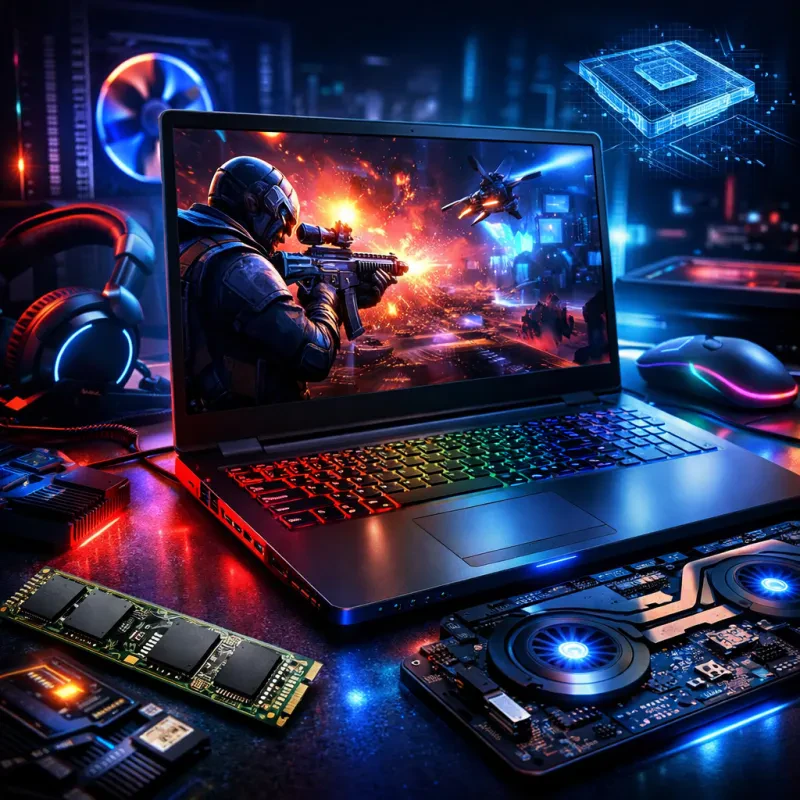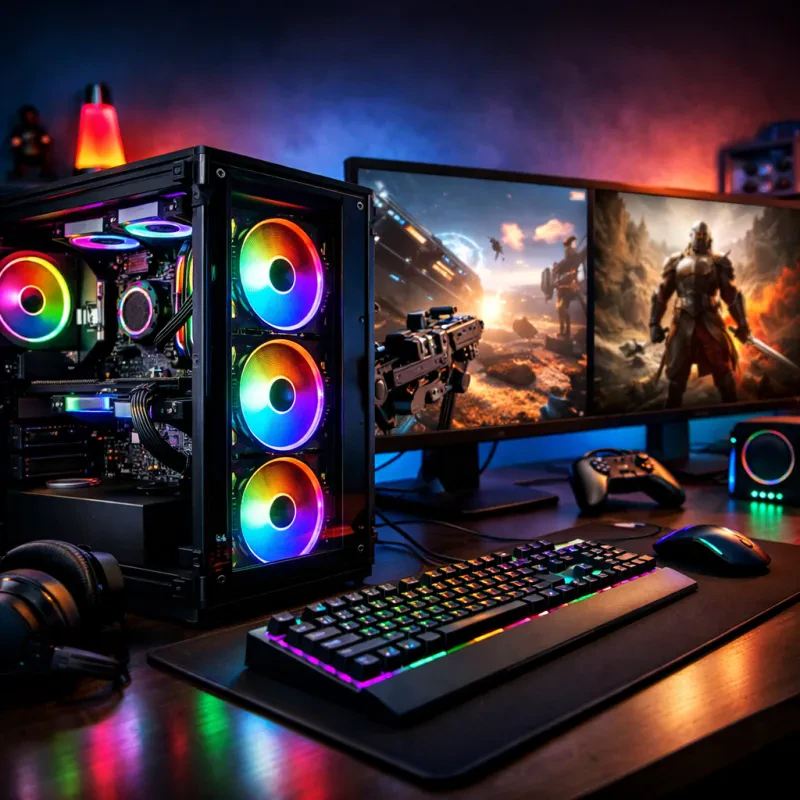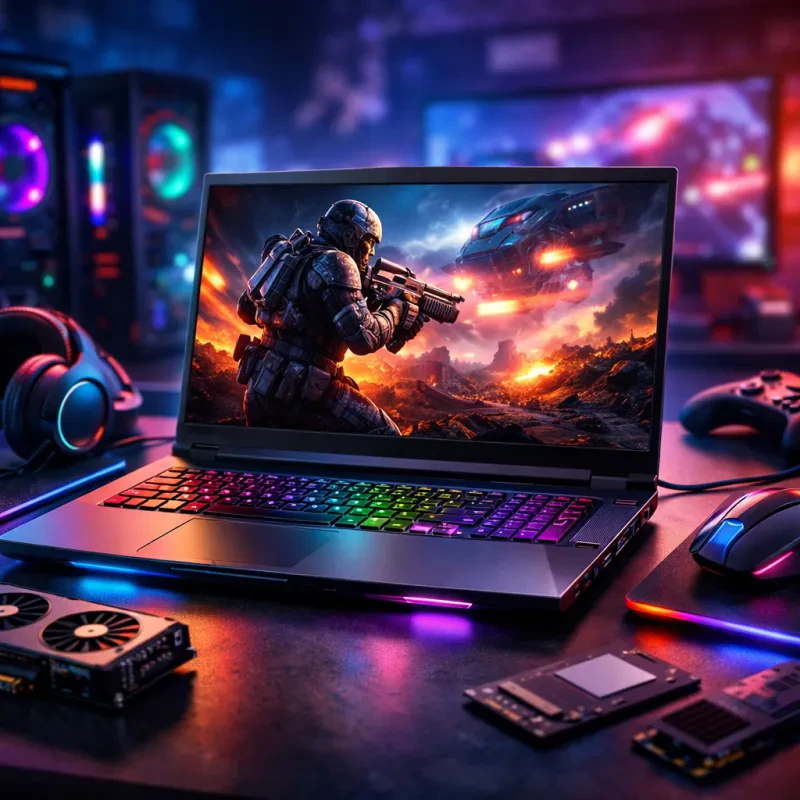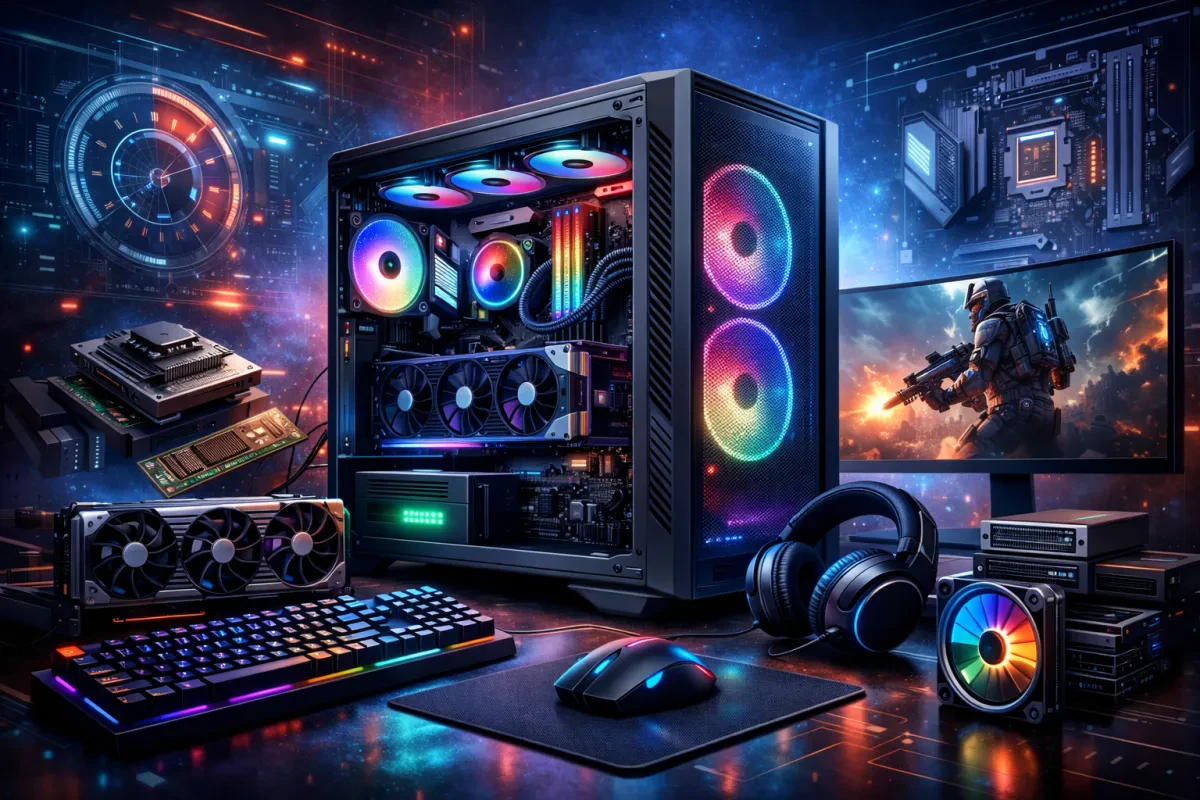
Processor (CPU): Think of the CPU as the brain of your gaming PC. For smooth gameplay, you'll want something quick and powerful. Look for at least a quad-core processor, but if you're serious about gaming and multitasking, go for a six-core or even eight-core model.
Graphics Card (GPU): The GPU is where the magic happens. This part brings your games to life! A solid graphics card lets you play the latest titles at high settings. Aim for a model that has at least 4GB of VRAM to ensure you get impressive visuals without lagging.
Memory (RAM): RAM is crucial for speed and performance. For a satisfying gaming experience, 16GB of RAM should be your target. This amount allows you to run games smoothly and juggle other applications without breaks or slowdowns.
Storage: Depending on your gaming habits, you’ll want to think about storage. An SSD (solid-state drive) can speed up load times significantly, so consider getting at least 512GB of SSD alongside a larger HDD for extra space. This combo means you get the best of both worlds: fast boot times and loads of space for all your games.
Understanding Graphics Card Choices
When diving into the world of gaming PCs, one of the key gaming PC technical features you can’t overlook is the graphics card. It’s like the heart of your rig, pumping out stunning visuals and smooth gameplay. If you're wondering how to choose the right graphics card for your setup, you've come to the right place!
First off, think about what types of games you play. If you're all about those high-octane, graphically demanding titles, you’ll want a powerful GPU with plenty of VRAM. Look for cards from reputable brands like NVIDIA and AMD. Models like the NVIDIA GeForce RTX series or AMD's Radeon RX lineup are solid choices, known for delivering amazing performance.
Don’t forget about your budget! Graphics cards can range from budget-friendly options to those that might cost you a pretty penny. If you just want to run games at decent settings, there are great mid-range options that won't break the bank. Do some research on current prices and reviews to find the best bang for your buck.
Lastly, make sure your other components can keep up with your graphics card. If you pair a top-of-the-line GPU with an older CPU or not-so-great RAM, you might not see the performance boost you’re hoping for. Check compatibility and balance your gaming PC technical features for the best experience. Happy gaming!
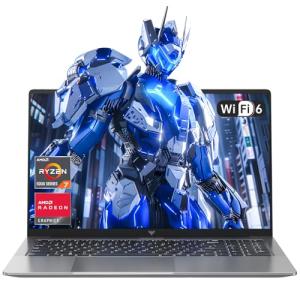
ACEMAGIC Newest Gaming Laptop Computer - 16.1'' FHD Display Laptop with Ryzen 7 7730U Processor(beat i7-1265U), 16GB Ram DDR4x2 512GB SSD Notebook Computer with Backlit Keyboard, WiFi 6
Product information
Product Review Score
4.72 out of 5 stars
215 reviewsProduct links
Importance of Processor Speed
When it comes to gaming PC technical features, processor speed is one of the most critical factors to consider. It can make the difference between smooth gameplay and frustrating lag. A faster processor means your computer can handle more tasks at once, loading games quickly and allowing for seamless multitasking. If you're playing resource-heavy titles or streaming while gaming, a powerful processor is a must.
If you're eyeing a new gaming PC, pay attention to the clock speed and the number of cores. Clock speed is usually measured in gigahertz (GHz) and tells you how quickly the processor can execute instructions. More GHz usually equals faster performance. On top of that, having multiple cores can help your CPU manage more threads simultaneously, which is especially handy in modern games that are designed to take advantage of multiple cores.
Don't forget to consider the type of games you play. Casual games might not need the fastest processor out there, but if you're into action-packed or graphics-intensive titles, a higher speed is necessary. Another important point is that not all processors are created equal. Brands like Intel and AMD have different architectures and performance profiles, so do a little research to see which one fits your gaming habits.
Speed isn’t the only thing that matters, but it’s certainly a big one. If you want to game without any hiccups or delays, make sure your gaming PC boasts a solid processor. The right choice can elevate your gaming experience and keep you in the action, without missing a beat.
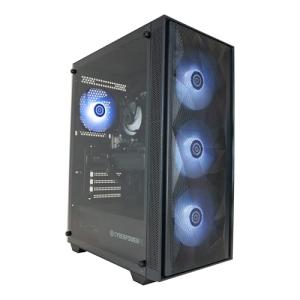
CyberPowerPC Wyvern Gaming PC - AMD Ryzen 5 4500, Nvidia RTX 3050, 16GB RAM, 500GB NVMe SSD, 650W 80+ PSU, Wi-Fi, Windows 11, Sylph RGB
Product information
$843.25
Product Review Score
4.72 out of 5 stars
174 reviewsProduct links
Storage Options for Gamers
When it comes to gaming PCs, storage options play a huge role in performance and your overall gaming experience. You’ve got a couple of main choices: Hard Disk Drives (HDD) and Solid State Drives (SSD). Each has its perks, so let’s break it down a bit.
HDDs are the classic option. They offer a ton of storage at a lower price. If you’re someone who loves to store a lot of games, videos, and other files, an HDD could be a great fit. You can find them with capacities up to 10TB or more, so you won’t run out of space anytime soon. But keep in mind, they tend to be slower when it comes to loading times. That means longer waits to jump into your favorite title.
On the flip side, SSDs are the newer technology making waves in gaming PC technical features. They’re super fast, which means shorter load times and smoother gameplay. If you want to get into a game quickly without those annoying loading screens, an SSD is the way to go. The downside? They can be a bit pricey for the amount of storage you get. However, putting your favorite games on an SSD can totally transform your experience.
Many gamers are opting for a combo of both: an SSD for your operating system and your top games, and an HDD for everything else. This setup lets you enjoy lightning-fast speeds while still having plenty of storage for all your files. No matter your choice, make sure to consider how storage affects your gaming. It's definitely one of the key gaming PC technical features you don’t want to overlook!