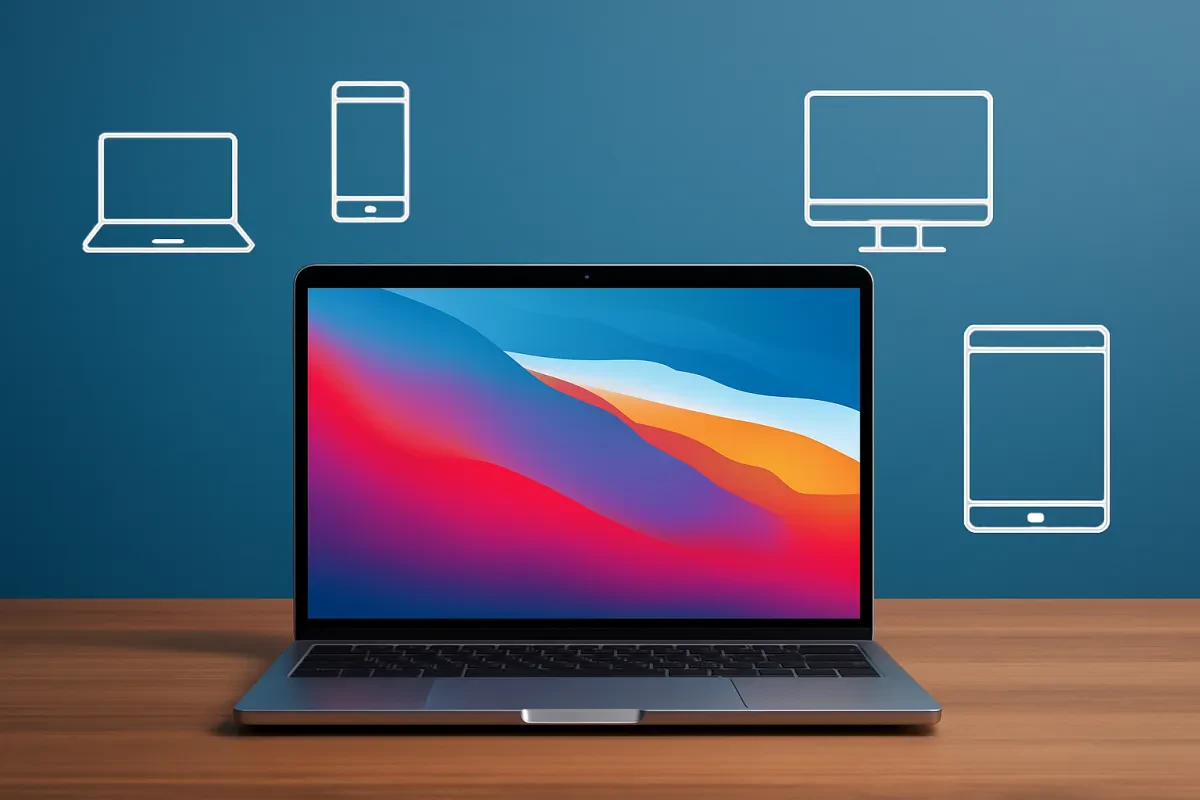
When you're diving into the world of laptops, it’s easy to feel overwhelmed. Our buyers guide to laptop computers is designed to break things down for you. Here are the top features to keep an eye on as you shop for your next device.
Processor Power
The brain of your laptop matters a lot! Look for a recent Intel or AMD processor. If you do a lot of multitasking or gaming, aim for an Intel i5 or i7, or an AMD Ryzen 5 or 7. These will keep things speedy and smooth.
RAM is Important
Don't skimp on memory! For everyday tasks and browsing, 8GB of RAM usually does the trick. If you’re into video editing or heavy software, go for 16GB or more. Trust me, this will make a difference in how your laptop performs.
Storage Options
You’ve got two main choices here: HDD and SSD. SSDs are much faster and improve boot times and loading speeds. Go for at least 256GB of SSD storage if you can. It’ll keep your laptop quick and responsive, which is exactly what you want.
Battery Life
No one likes hunting for an outlet. Aim for a laptop that gives you at least 8 hours of battery life on a single charge. This way, you can work or binge-watch without constantly worrying about your battery dying.
Best Laptops for Students
If you're a student on the hunt for a new laptop, you want something that fits your budget and can handle all your schoolwork—papers, presentations, or even that Netflix binge after a long day. Lucky for you, we've got some solid options that check all the boxes. This part of our buyers guide to laptop computers will help you find the best fit for your needs.
First up, the Acer Aspire 5. This laptop gives you a great balance of performance and price. With its sleek design, solid battery life, and good processing power, it's perfect for taking notes in class or finishing up those late-night assignments. Plus, it has a comfy keyboard that won’t cramp your style during marathon study sessions.
If you're looking for something super portable, check out the ASUS VivoBook 14. Weighing in light, it's perfect for tossing in your backpack and taking it to classes or the library. You'll love its vibrant display and decent specs for everyday tasks. Don't worry, it can handle a little light gaming too, so it's great for downtime.
Lastly, the Lenovo IdeaPad 3 is a fantastic choice if you want to keep costs low but never compromise on quality. It's reliable, has a decent battery life, and loads up quickly, so you won't be waiting around. That means more time for coffee breaks with friends. With enough power to run your essential apps, it’s all set for your school projects.

Gigabyte AERO X16 Gaming Laptop - Copilot+ PC, 16", 165Hz WQXGA, Ryzen AI 7 350, RTX 5060, 16GB DDR5 5200MHz, 1TB Gen4 SSD, Windows 11 Home, 2 Year Warranty, Dolby Atmos, AERO X16 1VH93UKC94AH
Product information
£1,299.00
Product Review Score
4.89 out of 5 stars
146 reviewsProduct links
Powerful Options for Gamers
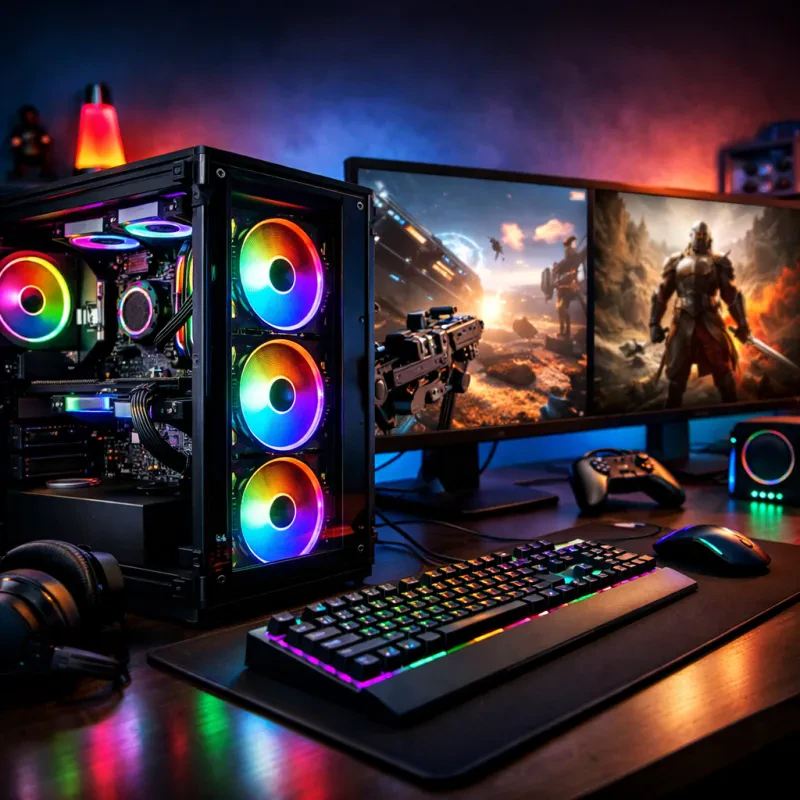
Gamers, listen up! When you're diving into intense gaming sessions, you need a laptop that can keep up with your skills. Not all laptops are created equal, especially when it comes to performance. If you’re serious about gaming, look for machines with dedicated graphics cards. This will ensure smooth visuals and faster frame rates. You want to feel every explosion and see every detail, right?
Processor power matters too. Look for laptops with at least an Intel i5 or AMD Ryzen 5. These chips handle multitasking like a champ, so you can stream, chat, or even take notes without the laptop stuttering. You’ll also want decent RAM—16GB is the sweet spot for gaming. It keeps everything running smoothly, even when you're juggling multiple applications.
Don’t forget about storage! SSDs are a must for quick load times. This means less waiting around and more gaming action. A setup with at least 512GB of storage is ideal, but if you can, go for a 1TB drive so you can keep all your favorite games without worrying about space.
Lastly, pay attention to the display. A higher refresh rate, like 120Hz or more, can give you that competitive edge. A vivid, high-quality screen really amps up the gaming experience. It’s all about immersing yourself in the game.
This is your buyers guide to laptop computers. Focus on these features, and you'll score a laptop that can take your gaming to the next level. Don't settle for less than your gaming deserves!
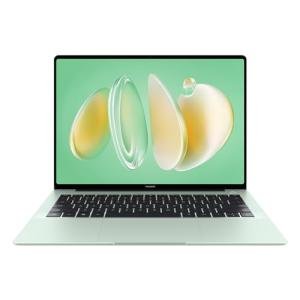
HUAWEI Matebook 14 Laptop, 14.2" 2.8K OLED Touch-Control Handwriting Display, Intel Core Ultra 7,16GB RAM, 1TB SSD,19-Hour Continuous Video Playback,1.31kg Ultra-Slim, Windows 11 Home, Green
Product information
£999.99
Product Review Score
4.12 out of 5 stars
10 reviewsProduct links
Budget-Friendly Picks for Everyone
If you're on a tight budget, don’t worry! There are plenty of laptops that won’t break the bank but still deliver solid performance. In this part of our buyers guide to laptop computers, we’ll highlight some great budget-friendly options that fit various needs.
First up, check out the Acer Aspire 5. It’s a fantastic all-rounder with a decent processor, making it perfect for everyday tasks like browsing, streaming, and even light gaming. Plus, the battery life is impressive, allowing you to work or watch shows without running for the charger all the time.
Another great pick is the Lenovo IdeaPad 3. It's lightweight and portable, which is a big plus for students or anyone who’s always on the move. It offers a comfortable keyboard and a good build quality, so you won’t feel like you’re compromising too much.
If you need something for basic tasks like emailing and web surfing, check out the HP Chromebook. These devices boot up fast, and they come with built-in virus protection. Perfect for those who just want a straightforward laptop experience without the fuss of complex systems.
No matter what you’re looking for, there’s a budget-friendly laptop out there for you. Remember to keep your specific needs in mind as you explore your options, and you’ll find something that fits perfectly in your price range! This buyers guide to laptop computers is here to help you make the right choice without overspending.